Table of Contents
Introduction
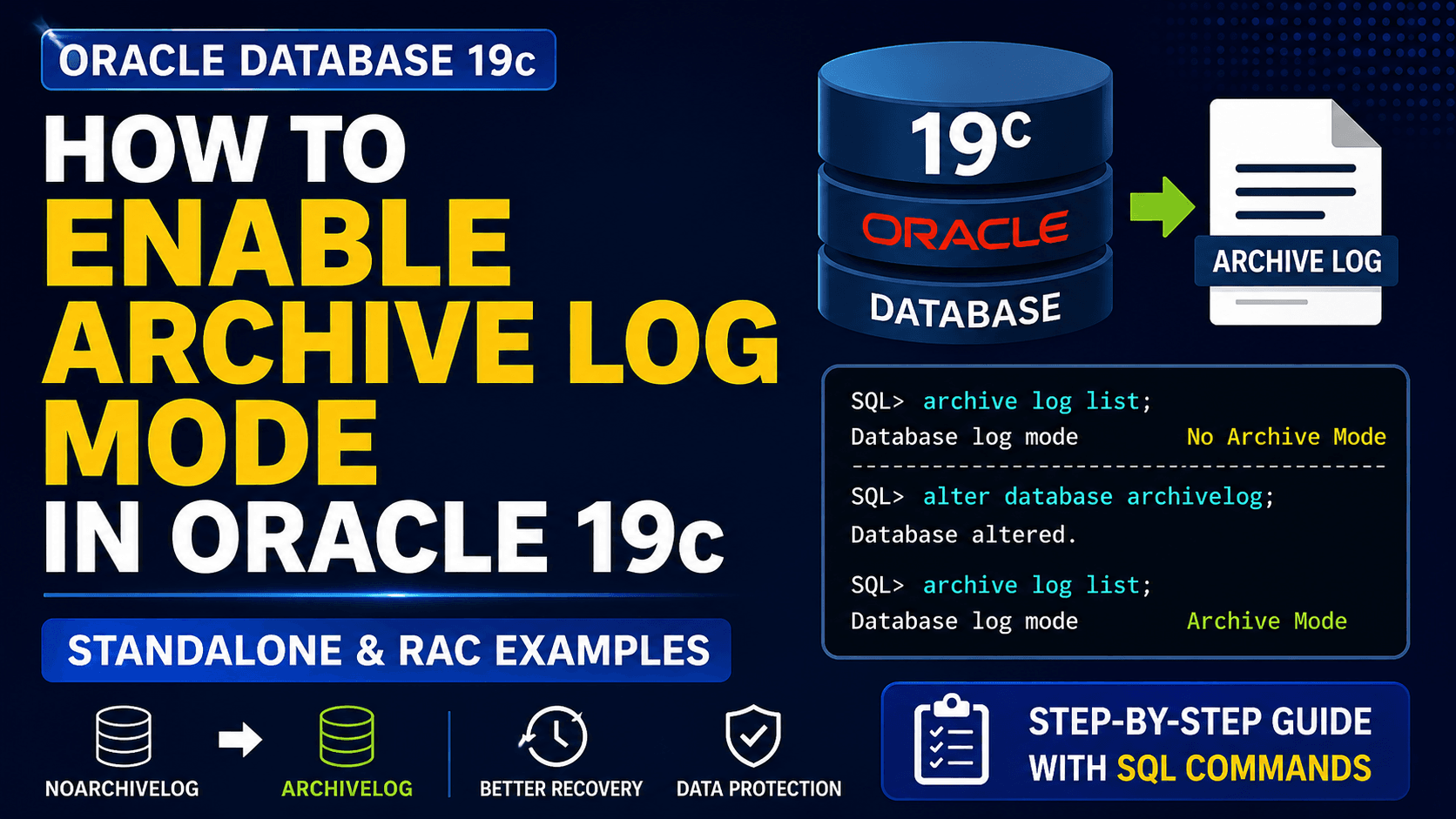
Enable Archive Log Mode in Oracle 19c is one of the most common administrative tasks performed after database creation. By default, many lab and test databases are created in NOARCHIVELOG mode, which limits recovery options and prevents online backups.
In production environments, ARCHIVELOG mode is typically enabled to support RMAN backups, point-in-time recovery, Oracle Data Guard, Flashback Database, and Oracle Enterprise Manager (OEM) deployments. Before enabling archive logging, it is important to verify the current database mode and ensure that sufficient storage is available for archived redo logs.
In this guide, I will demonstrate how to convert an Oracle Database 19c instance from NOARCHIVELOG mode to ARCHIVELOG mode and verify the configuration after the change.
Prerequisites
1. Oracle Database 19c software is installed, and the database is operational.
2. You have SYSDBA privileges to perform database administration tasks.
3. The database is currently running in NOARCHIVELOG mode.
4. A valid backup of the database is available before making configuration changes.
5. Sufficient storage space is available for archived redo logs.
6. The archive log destination has been planned and verified.
7. For Oracle RAC environments, ensure that all database instances can be stopped and restarted during the configuration process.
8. Verify that the Fast Recovery Area (FRA) is configured if archived redo logs will be stored in the recovery area.
The Oracle Database 19c software can be downloaded from the Oracle Software Delivery Cloud. If you have not yet completed the database installation, refer to the following guides –
Oracle Database 19c Software Installation Guide
Enable ARCHIVE LOG Mode in Oracle 19c
Step 1) Verify current mode
archive log list;
Step 2) Shut down the database
shut immediate;
Step 3) Startup mount
startup mount;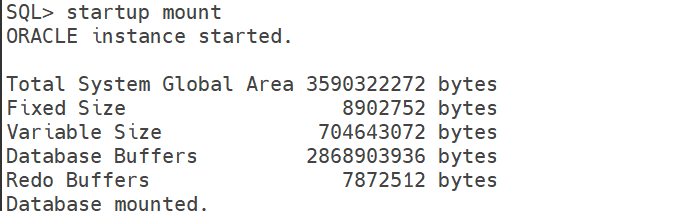
Step 4) Enable archivelog
alter database archivelog;
Step 5) Open the database
alter database open;
Step 6) Verify
archive log list;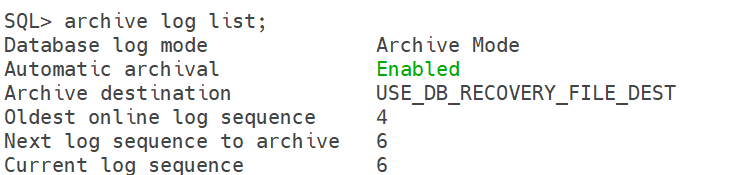
Enable ARCHIVELOG Mode in Oracle RAC
For a complete RAC upgrade walkthrough where ARCHIVELOG mode was enabled as part of the upgrade preparation, refer to the RAC Database Upgrade Guide.
Conclusion
In this guide, we successfully learned how to enable Archive Log Mode in Oracle 19c for both standalone and RAC databases. After enabling ARCHIVELOG mode, the database becomes capable of supporting RMAN backups, point-in-time recovery, Oracle Data Guard, Flashback Database, and other advanced Oracle features.
Before enabling archive logging in production environments, always verify archive log storage requirements and backup strategies to avoid unnecessary space-related issues. With Oracle 19c Archive Log Mode configured successfully, the database is now better prepared for recovery operations and high-availability deployments.