Table of Contents
Introduction
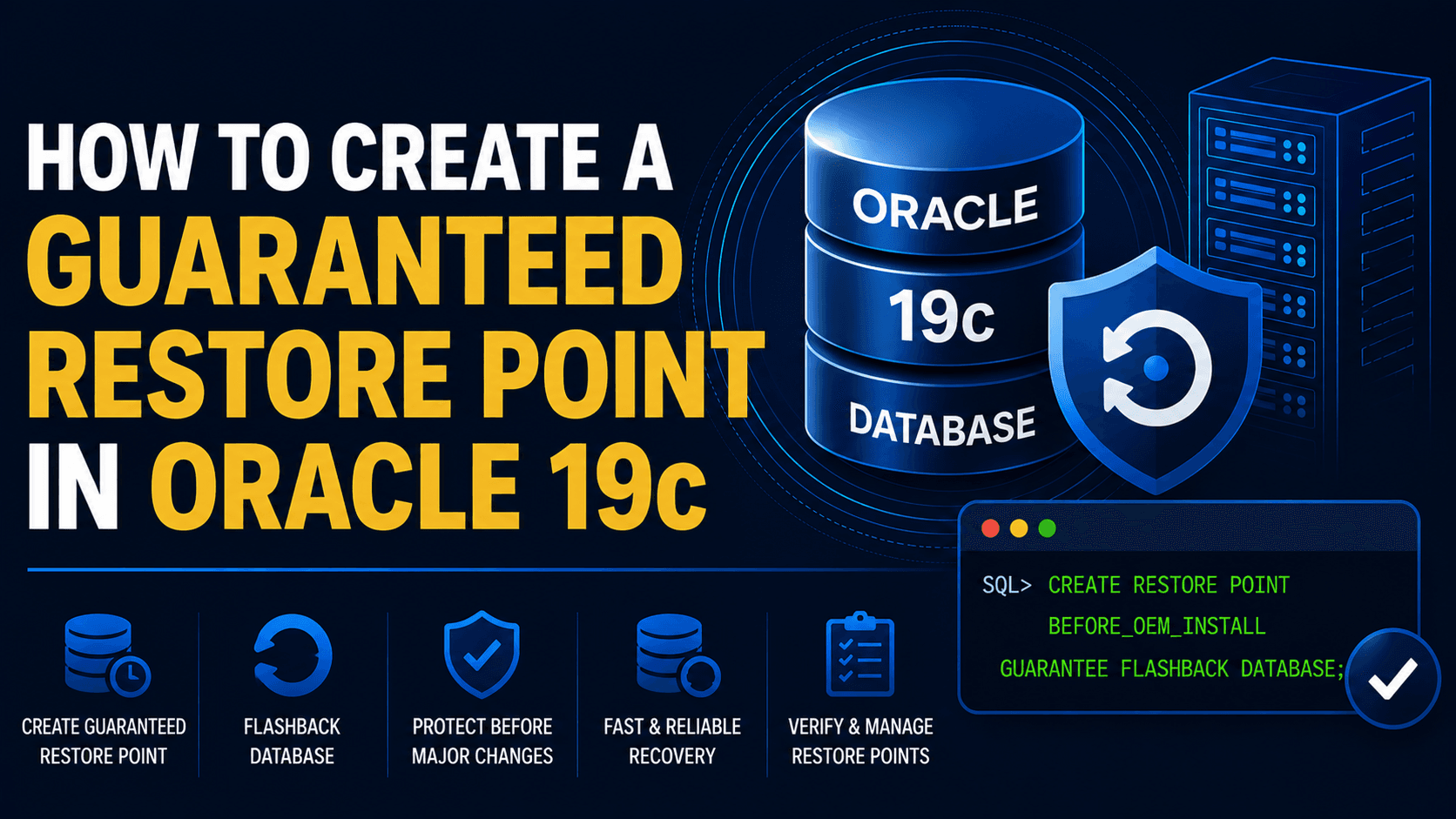
Guaranteed Restore Point in Oracle 19c is a useful recovery feature that allows database administrators to quickly revert the database to a known consistent state before performing upgrades, patching activities, OEM installations, or other maintenance tasks.
A Guaranteed Restore Point (GRP) provides a reliable recovery option by allowing the database to be flashed back to a known consistent state if unexpected issues occur after a change. Unlike a normal restore point, a Guaranteed Restore Point ensures that the required Flashback Logs are retained until the restore point is explicitly removed.
In this guide, we will verify the Flashback Database configuration, create a Guaranteed Restore Point, validate the configuration, and review the considerations Oracle DBAs should be aware of before using this feature.
Note – This article focuses on creating a Guaranteed Restore Point in Oracle 19c before performing major database activities.
Guaranteed Restore Points are commonly used before:
Oracle Enterprise Manager (OEM) Installation
Application Deployments
Database Configuration Changes
Before proceeding, ensure that Flashback Database is enabled and the Fast Recovery Area (FRA) is configured.
You may also refer to:
Enable Archive Log Mode in Oracle 19c
Configure Fast Recovery Area (FRA) in Oracle 19c
Enable Flashback Database in Oracle 19c
Preparing the OEM Repository Database for OEM 13c Installation
After creating the Guaranteed Restore Point, continue with your planned maintenance activity or Oracle Enterprise Manager deployment.
Creation of a Guaranteed Restore Point in Oracle 19c
Step 1) Verify Archive Log Mode
archive log list;
Step 2) Verify Flashback Database Status
SELECT flashback_on FROM v$database;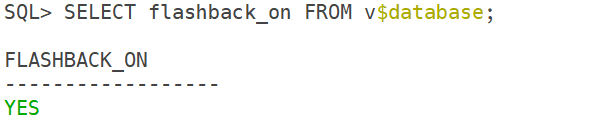
In my case, Flashback is already on. If it is not enabled in your case, then you can use the command to enable it.
alter database flashback on;Step 3) Verify Fast Recovery Area
SHOW PARAMETER recovery;
Step 4) Create Guaranteed Restore Point
CREATE RESTORE POINT BEFORE_OEM_INSTALL GUARANTEE FLASHBACK DATABASE;Step 5) Verify Restore Point
set lines 999 pages 999
col NAME for a40
col TIME for a40
SELECT name, guarantee_flashback_database, time FROM v$restore_point;
Step 6) Perform Planned Activity
Now, you can perform your planned activity.
Step 7) Drop Guaranteed Restore Point
DROP RESTORE POINT BEFORE_OEM_INSTALL;Conclusion
In this guide, we successfully created a Guaranteed Restore Point in Oracle 19c and verified that the database can be recovered to a known consistent state if required. Creating a Guaranteed Restore Point before upgrades, patching activities, or Oracle Enterprise Manager deployments provides an additional layer of protection and helps reduce recovery risks during planned maintenance. This simple DBA best practice can significantly improve rollback capabilities when performing critical database changes.
A Guaranteed Restore Point relies on Flashback Database technology. For additional details regarding Flashback Database architecture and retention requirements, refer to the official Oracle documentation.