
Table of Contents
Introduction
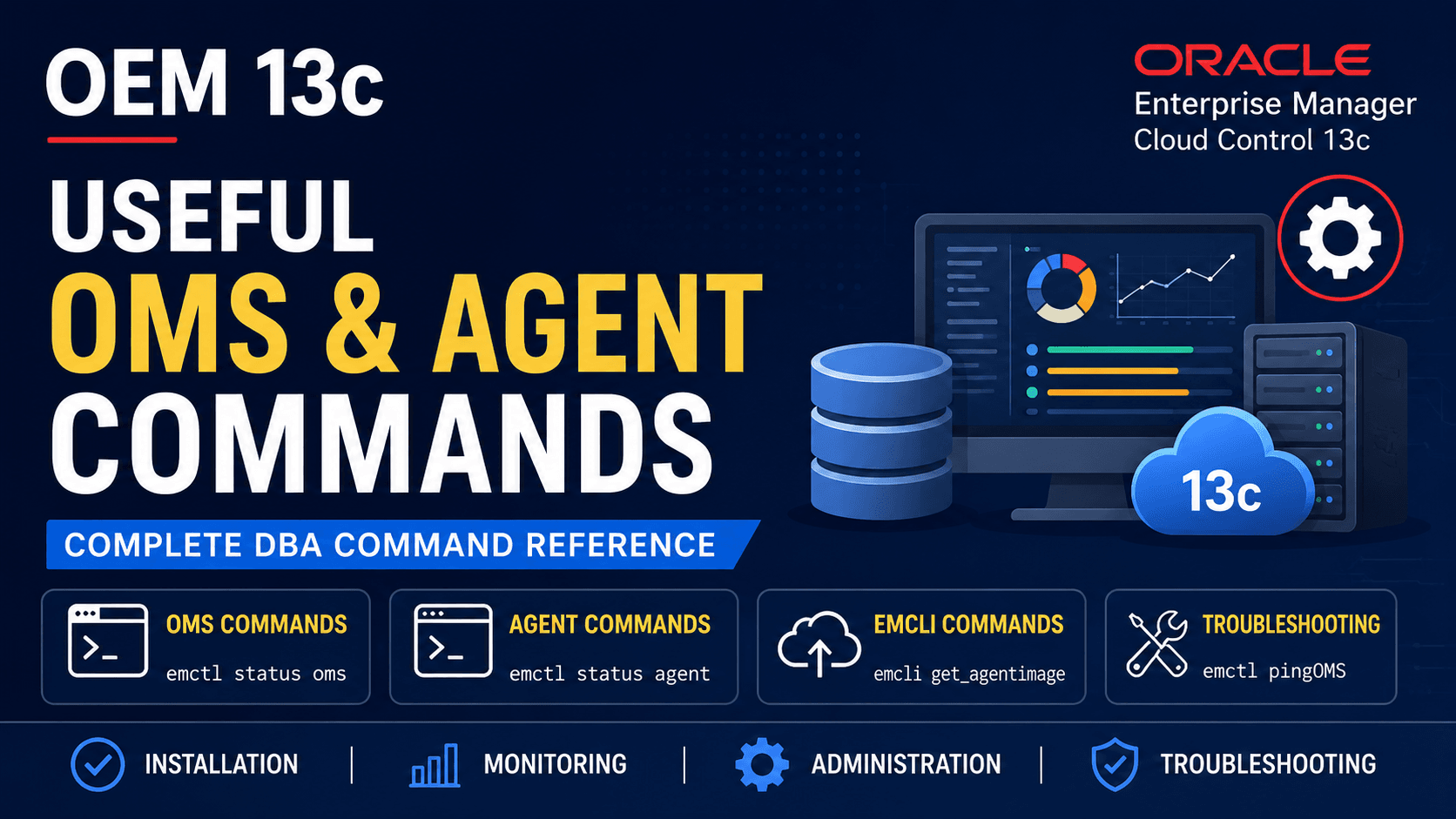
OEM 13c Useful OMS and Agent Commands is a practical reference guide for Oracle DBAs responsible for administering and maintaining Oracle Enterprise Manager Cloud Control environments. Whether you are installing OEM, deploying Management Agents, troubleshooting communication issues, monitoring target status, or performing routine administration, these commands are frequently used during day-to-day operations.
If you are following our Oracle Enterprise Manager 13c installation series, this guide complements each article by providing the most commonly used EMCTL, EMCLI, OMS, and Management Agent commands in a single location. Instead of searching through multiple Oracle documents, you can use this article as a quick reference while working with Oracle Enterprise Manager Cloud Control.
The commands included in this guide are organized into logical sections covering Oracle Management Server (OMS), Oracle Management Agent, Enterprise Manager Command Line Interface (EMCLI), networking, troubleshooting, and verification tasks. Each command is accompanied by a brief explanation to help you understand its purpose and when to use it in real-world DBA environments.
Internal References:
Oracle Linux 8.10 Installation Guide
Oracle Database 19c Software Installation Guide
Oracle 19c Database Creation Using DBCA
Oracle Enterprise Manager 13c Installation Guide
Oracle Enterprise Manager 13c Cloud Control Installation
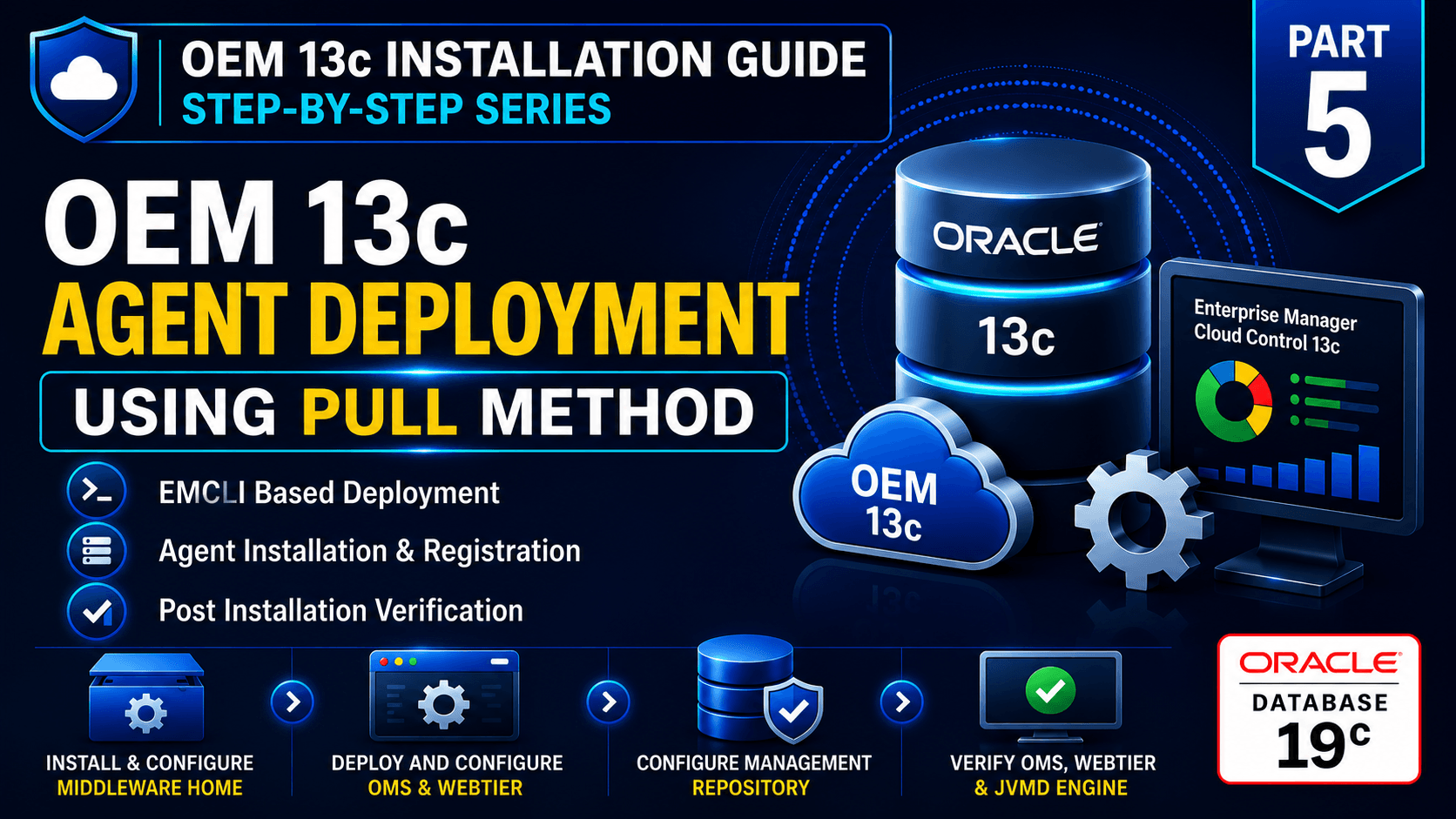
OEM 13c Agent Deployment Using Pull Method
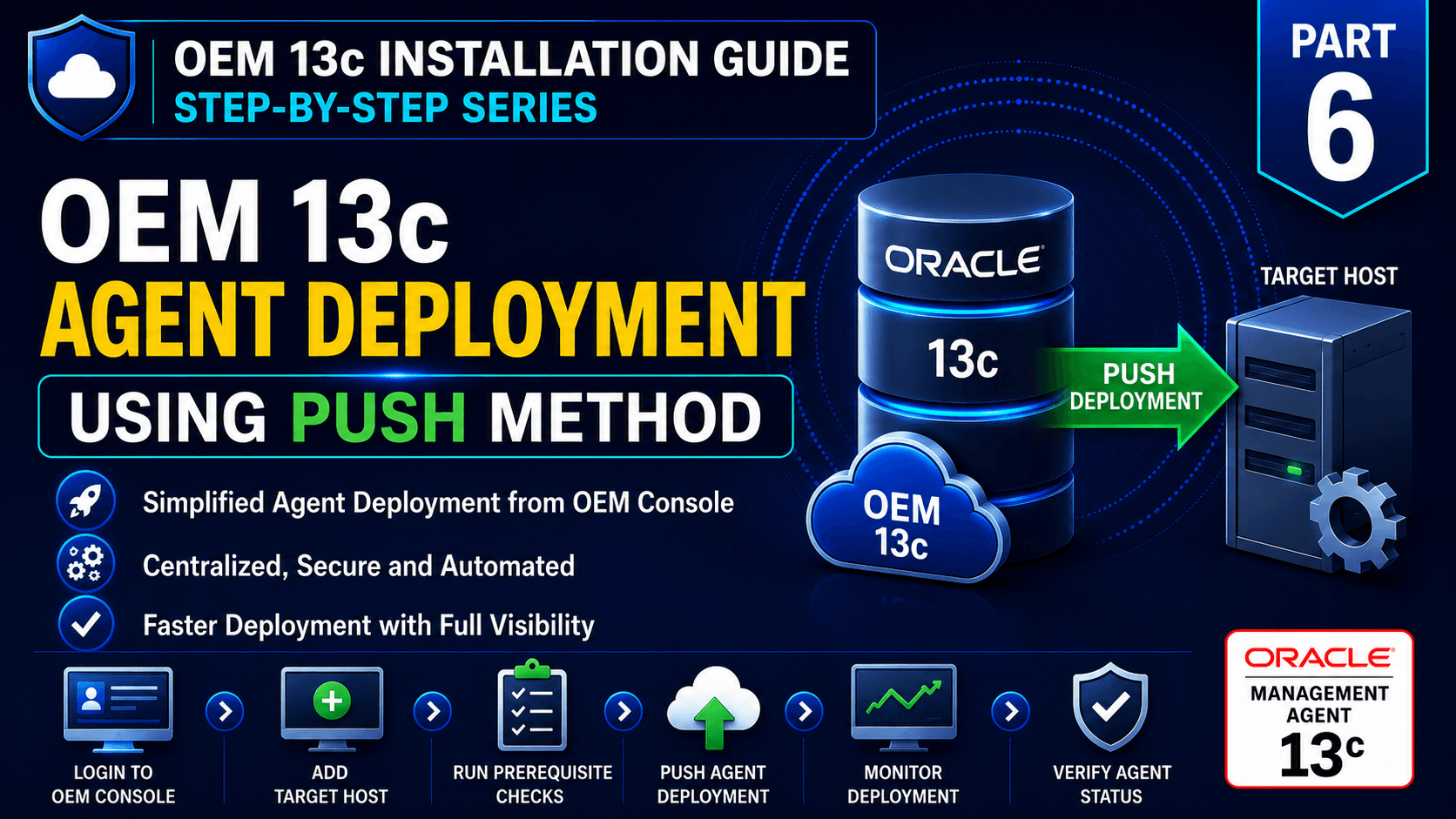
OEM 13c Agent Deployment Using Push Method
External References:
Oracle Enterprise Manager Cloud Control Documentation
Oracle Enterprise Manager Target Discovery Documentation
Oracle Enterprise Manager Certification Matrix
By the end of this guide, your Oracle infrastructure will be fully integrated into Oracle Enterprise Manager Cloud Control, providing centralized monitoring, alerting, and performance management for your enterprise environment.
Oracle Management Server (OMS) Commands
1. Check OMS Status
Displays the current status of the Oracle Management Server, WebTier, and JVMD Engine.
emctl status oms
2. Detailed OMS Status
Displays OMS status along with console URL, upload URL, ports, domain information, and instance details.
emctl status oms -details3. Start OMS
Starts the Oracle Management Server along with the WebTier.
emctl start oms4. Stop OMS
Stops OMS, WebTier, and all associated services.
emctl stop oms -all5. Restart OMS
Useful after configuration changes or troubleshooting.
emctl stop oms -all

emctl start oms
6. Secure OMS
Configures HTTPS communication for the Oracle Management Server.
emctl secure oms7. Lock Agent Upload
Prevents Management Agents from uploading monitoring data to OMS.
emctl lock upload8. Unlock Agent Upload
Allows Management Agents to resume uploading monitoring data.
emctl unlock upload9. Lock Console
Temporarily disable user login to the OEM Console.
emctl lock console10. Unlock Console
Re-enables user access to the OEM Console.
emctl unlock console11. Check OMS Version
Displays the installed OEM version and build information.
emctl status oms -details12. Synchronize OMS
Displays OMS configuration information.
emctl config oms13. OMS Log Location
Display the logs of the OMS.
cd $GC_INST/user_projects/domains/GCDomain/servers/EMGC_OMS1/logsUseful OEM 13c Agent Commands
1. Check Agent Status
Displays the current status of the Oracle Management Agent.
emctl start agent2. Stop Agent
Stops the Oracle Management Agent.
emctl stop agent3. Restart Agent
Useful after configuration changes.
emctl stop agent

emctl start agent
4. Upload Agent Data
Immediately uploads monitoring data to OMS.
emctl upload agent5. Clear Agent State
Clears the local upload queue and refreshes the agent state.
emctl clearstate agent6. Resynchronize Agent
Synchronizes the agent with OMS.
emctl resync agent7. Reload Dynamic Properties
Refreshes target properties without restarting the agent.
emctl reload agent dynamicproperties8. Ping OMS
Verifies connectivity between the agent and OMS.
emctl pingOMS9. Secure Agent
Configures secure communication between the agent and OMS.
emctl secure agent10. Unsecure Agent
Removes secure communication.
emctl unsecure agent11. List Agent Targets
Displays all targets monitored by the agent.
emctl config agent listtargets12. Show Agent Properties
Displays the current agent properties.
emctl getproperty agent13. Set Agent Property
Updates an agent property.
emctl setproperty agent14. Agent Log Location
cd $AGENT_INSTANCE_HOME/sysman/logUseful EMCLI Commands
1. Log in to EMCLI
emcli login -username=sysman2. Synchronize EMCLI with OMS
emcli sync3. Display supported operating systems
emcli get_supported_platforms4. Download the latest Management Agent image
emcli get_agentimage5. List all monitored targets
emcli list_targets6. Display all deployed Management Agents.
emcli list_agents7. Display OEM jobs
emcli list_jobs8. Retrieve target information
emcli get_targetsUseful Linux Commands for OEM
1. Check listening ports
netstat -tulnp2. Display active network sockets
ss -tulpn3. Verify DNS resolution
nslookup hostname4. Display the fully qualified hostname
hostname -f5. Check filesystem usage
df -h6. Check memory utilization
free -g7. Verify firewall status
systemctl status firewalldConclusion
The OEM 13c Useful OMS and Agent Commands covered in this guide provide a quick reference for the most commonly used administration, monitoring, and troubleshooting commands in Oracle Enterprise Manager Cloud Control. From starting and stopping the Oracle Management Server to managing Management Agents, verifying communication, monitoring uploads, and using EMCLI, these commands are part of the daily toolkit for every Oracle DBA.
Keeping these commands readily available can significantly reduce troubleshooting time and simplify routine administration tasks. As your Oracle Enterprise Manager environment grows, this reference guide will serve as a convenient resource for managing OMS, Management Agents, and monitored targets efficiently.
Bookmark this page and refer to it whenever you need to verify agent status, troubleshoot connectivity, perform maintenance activities, or execute common OEM administration tasks.

Great content! Keep up the good work!